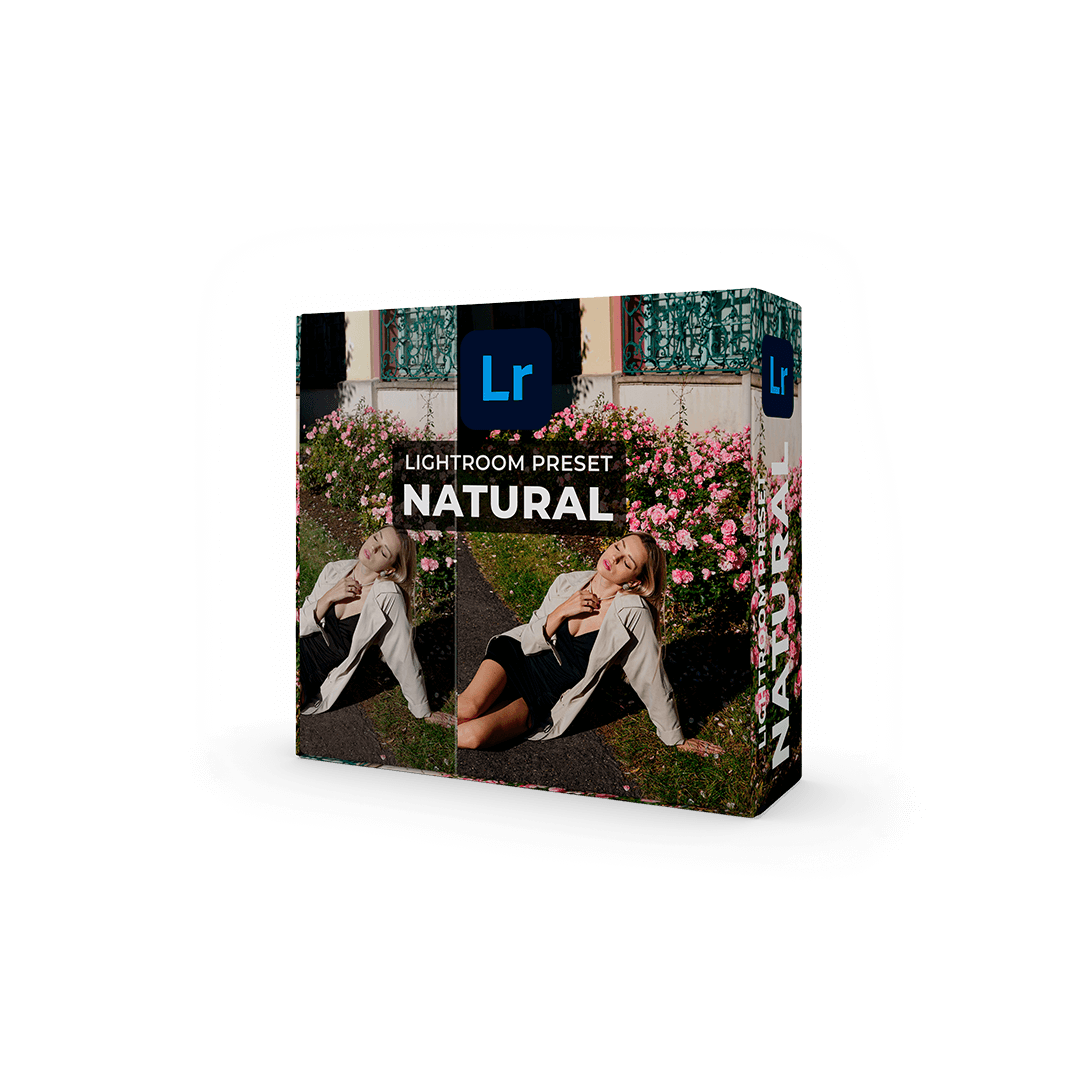
Natural
Warm colour for outdoor portraits, family sessions and photographs made in natural light.
19 EUR
View Natural & buyKARIROOM / DIGITAL EDITING TOOLS
Three starting points for your colour work. Choose the look that fits your light, then make it your own.
19 EUR per preset. English checkout via Stripe. Each preset has its own English product page with original before-and-after examples.
Warm colour for outdoor portraits, family sessions and photographs made in natural light.
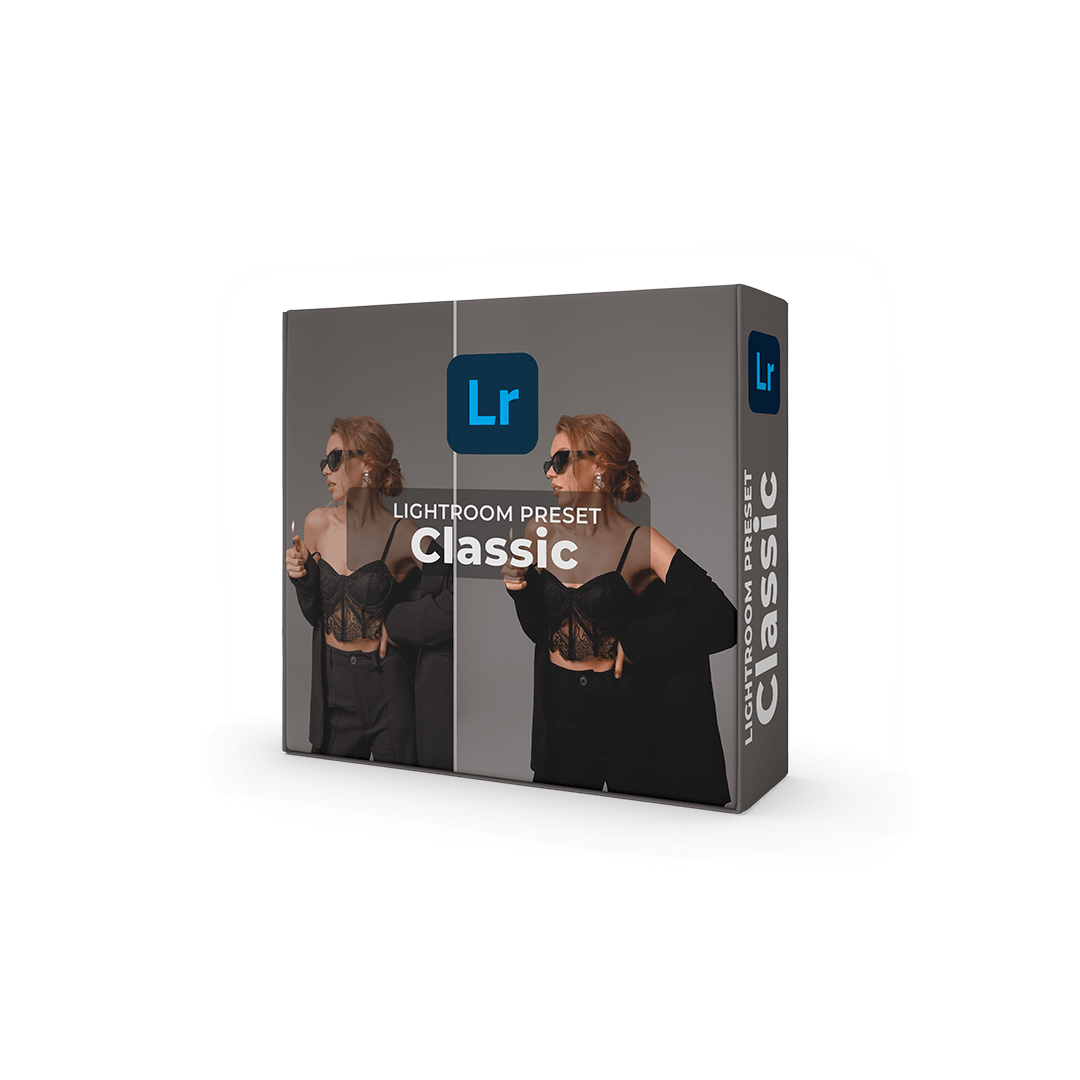
A warm editing direction for studio portraits and photographs made in controlled lighting.
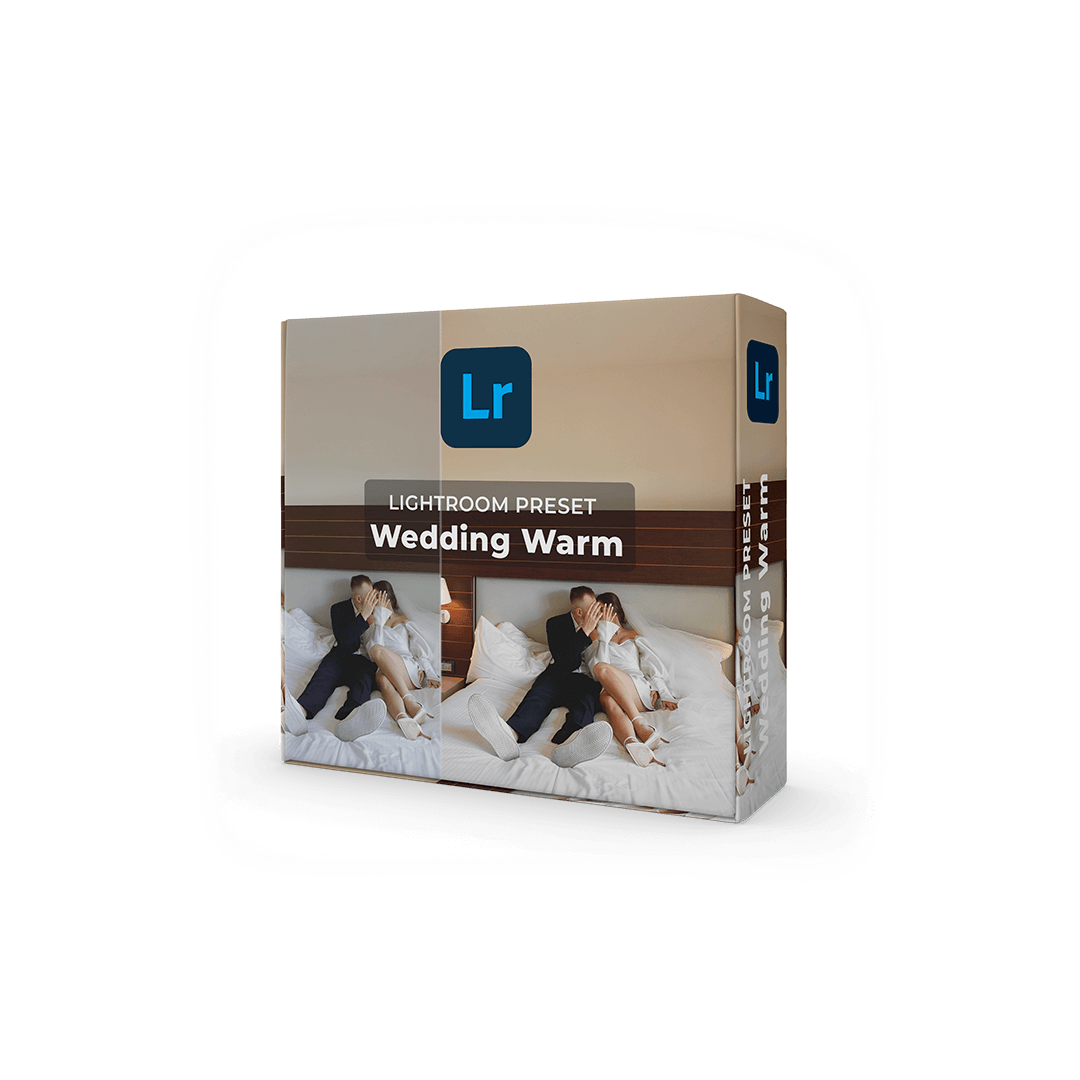
A warm starting point for wedding stories, couple sessions and portraits. Refine each lighting situation separately.
A preset applies a set of editing adjustments. It does not replace exposure correction, white balance or careful retouching. Review skin, clothing and highlights on your own photographs, and adjust where needed.
Compare Natural for outdoor photography, Classic for studio work, and Wedding Warm for a warm wedding style. Start with the product whose examples are closest to your own shooting conditions.
Lightroom on mobile supports preset workflows. Check the files supplied with your chosen product and follow the appropriate DNG or XMP installation steps.
Open Natural, Classic or Wedding Warm above. Each has a dedicated English product page with original examples, installation advice and a purchase button.